The 5 Best AI-Powered Poster Maker Tools for Professional Designs
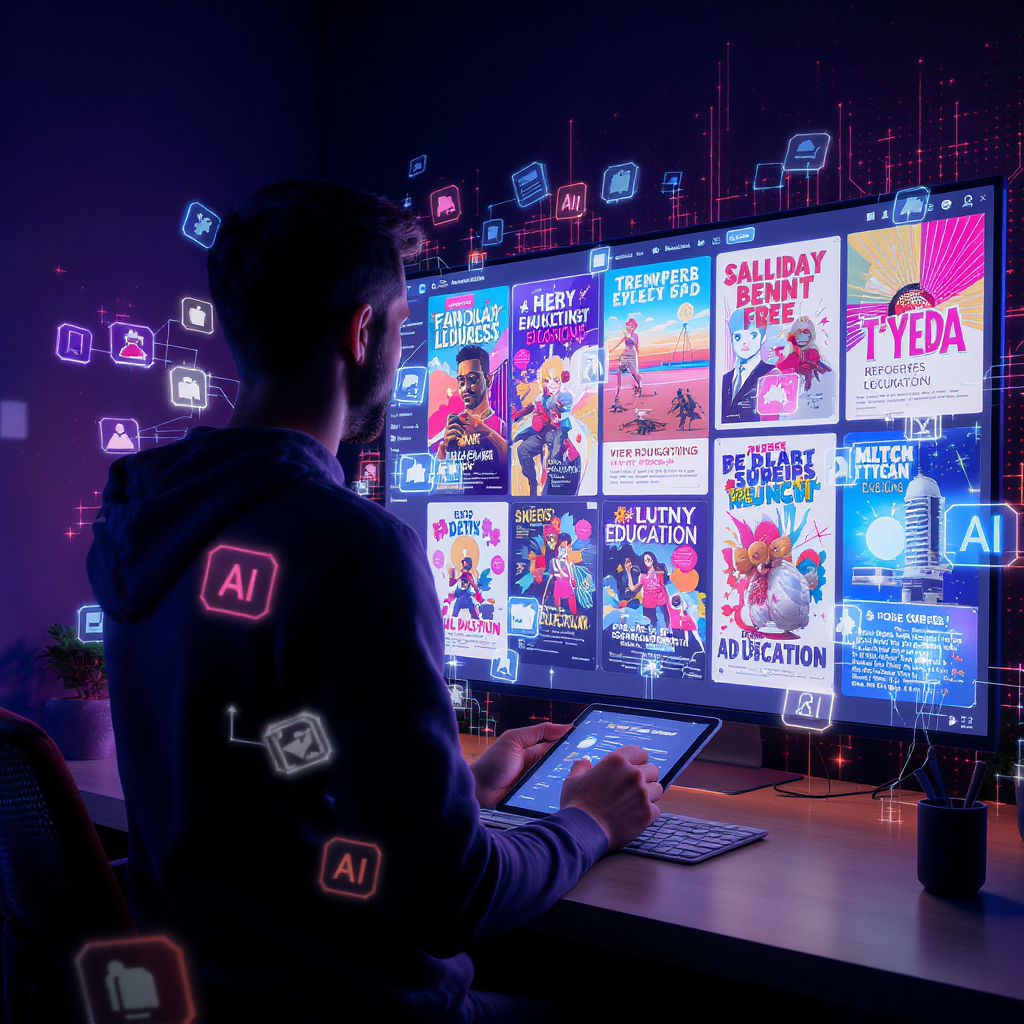
If you are looking to design professional and eye-catching posters for your small business, look no further. In an increasingly AI-powered digital landscape, there are a variety of online platforms that encourage you to be your own graphic designer. Streamline your poster design process by using features such as poster templates and drag-and-drop editing.
In this article, we will explore the best AI-enhanced platforms and the features they offer for beginners. Based on your design goals, you will be able to choose by the end of this blog post what platform works best for you or your business.
- Adobe Express
Adobe Express works best for designers who are already operating and creating within the Adobe suite and its ecosystem. This tool offers quick AI enhancements to your design projects and aids you in creating an eye-catching poster for your business in no time!
Key features
- Utilize the platform’s powerful AI engine to generate pro-quality images
- Edit in a simplified interface
- AI features include: Text effects, image generation, and auto-layout
- Optimized for semi-professionals
- Easy and quick integration with other Adobe suite tools
Pricing
- Free
- Adobe Express Premium: US$9.99/month
- Adobe Firefly Pro: US$19.99/month.
- No annual commitment, billed monthly
Pros and cons
| Pros | Cons |
| ✅ User-friendly and clean interface | ❌ Steep learning curve for complete beginners |
| ✅ Extensive library of stock photos and access to other Adobe assets (e.g: Adobe Fonts) | ❌ Certain features are locked behind a premium charge |
| ✅ AI tools for efficient editing | ❌ Limited layout controls for advanced editing needs |
- PosterMyWall
PosterMyWall is the one of the best platforms for complete beginners, small businesses, small creators, and marketers who need fast content turnover but fully-polished designs. This tool helps take the stress out of designing by generating professional content within minutes. Whether you are looking to create a flyer or a social media design, PosterMyWall has easy tools for beginners.
Key features
- Simplicity and ease of use for those who are new to graphic design
- Wide library of professionally-designed poster templates that you can choose from
- Simple and intuitive drag-and-drop editing features
- Large stock pictures library
- AI images generator for creating unique and custom artwork
- AI background remover (helpful for quick subject isolation)
Pricing
- Free
- Premium: $9.95/month or $99.95/year
- Team-tier: 2-5 members for $14.95/month and 6-10 members for $35.95/month
Pros and cons
| Pros | Cons |
| ✅ Beginner-friendly and simple user interface | ❌ Certain advanced features require you to buy a paid plan |
| ✅ Large template library | |
| ✅ AI features for creating unique promotional graphics | |
| ✅ Relatively cheaper than other AI poster-making tools |
- Canva
Canva works best for teams, educators, and brands that need collaborative features in their design platform. It offers an extensive design library with various template options, team collaboration options, and a growing collection of AI features that simplify your design workflow. Worried that you are short on time? Canva cuts your design time in half.
Key Features
- Canva’s editor is user-friendly and intuitive
- Accessible to beginners
- Efficient team collaboration features
- Large template library with various graphic options (e.g: social media posts, ads, presentations, logos, icons, menus, and more)
- Magic Design layout generator: Create your own template within minutes
- AI writing assistant: Write professional text copies for your poster
- AI image generator: Generate unique visuals
Pricing
- Free
- Canva Pro: $12.99/month
- Canva Teams: $14.99/month
Pros and Cons
| Pros | Cons |
| ✅ Collaborative tools for work teams and students | ❌ Advanced features and brand kits require you to buy Canva Pro |
| ✅ User-friendly and easy-to-navigate interface | |
| ✅ AI editing and writing features | |
| ✅ Generous free tier |
- VistaCreate
VistaCreate is best for social media creators and small brands looking to combine templates with efficient AI-powered editing. Marketing graphics are VistaCreate’s speciality, this tool is suitable for those who wish to repurpose their marketing content frequently.
Key features
- AI features: Smart background removal, smart templates, and AI-generated images
- Interface is clean and user-friendly
- Template library (social media prints, flyers, posters, and ads)
- Access to stock assets
- Drag-and-drop editor
- Video support
Pricing
- Free
- Pro: $13/month (monthly billing) and $10/month (yearly billing)
Pros and Cons
| Pros | Cons |
| ✅ Suitable for social media content repurposing | ❌ AI features are basic and do not allow for advanced poster editing |
| ✅ AI features which aid in fast content creation | ❌ Free plan only offers limited templates |
| ✅ Offers competitive pricing | ❌ Stock images gallery is not wide enough to cover multiple business niches |
- Visme
Visme is for professionals who need data-rich posters with added infographics. It is an advanced design platform that has features optimised for creating presentations, graphs, and reports. As a bonus for professionals, it offers AI features which help greatly in streamlining your content creation process.
Keep in mind, this tool is targeted more towards professional communicators rather than individuals who are complete beginners to graphic design.
Key Features
- Collaborative features for professional corporate teams
- Advanced data visualisation options (e.g: venn diagrams, bar charts, graphs)
- AI writing assistant: Can help you with writing copies and text accompanying infographics.
- AI visual suggestions: Handy for polishing your final design and adding any last-minute elements.
- Smart icons and charts: Helpful for using visuals to demonstrate data and numerical figures,
Pricing
- Free
- Starter: $29/month
- Pro: $59/month
- Team/enterprise: Custom pricing
Pros and Cons
| Pros | Cons |
| ✅ Offers data visualisation features which aid in repurposing content | ❌ Not affordable for marketeers on a tight budget due the tool’s professional nature |
| ✅ AI features can create text copies, images, graphics, charts, and diagrams | ❌ Not suitable for social media posts and posters |
| ✅ Specific business-focused features | ❌ Difficult to navigate for complete beginners (steep learning curve) |
How to Choose The Right AI Poster-Making Tool for Your Design Goals?
With such a wide variety of design tools, it can get overwhelming knowing which one to choose. If you are new to design or on a tight budget, the key to picking the best fit for you is knowing what your design goals are and what type of content you will be creating.
Complete Beginners
Tools like VistaCreate and PosterMyWall have simple built-in editors that can help you generate a poster in seconds. Similarly, these platforms do not have a steep learning curve and their minimal learning process allows you to create social media graphics without feeling intimidated by endless design choices.
Business Owners and Marketers
Canva and Adobe Express offer collaborative tools, team pricing, and brand kits. If you manage multiple marketing campaigns or complex workflows, these platforms allow for greater control over branding tools. For statistical and data-heavy graphics, pick Visme. It has a wide suite of data visualisation options and is priced according to professional and specialised business use.
FAQs
Here are some frequently asked questions about AI-powered poster making online tools.
- Can you create custom visuals if you do not have high quality photos?
The AI images tool on PosterMyWall can help you create custom artwork if you do not have high quality photos for your posters. If you have cluttered images that do not look clean, you can use tools such as the AI background remover to remove any and all distractions.
- Which design tool is best for small businesses with small budgets?
Fotor and PosterMyWall are both tools which are reasonably priced. You can use features such as free editing, affordable premium downloads, and a large library of templates to create marketing content fast.